AI can change photos in seconds. Apple Reference Image offers a way to check what an iPhone camera originally captured. Here is how it works.
We have all heard the old saying, “Seeing is believing.”
Since its invention, a photograph has been considered solid proof that something actually happened. But today, powerful artificial intelligence (AI) tools allow anyone to create realistic fake pictures in just a few seconds.
Whether it is a fake news graphic shared in a family WhatsApp group or an edited photo of a politician, telling what is real from what is fake has become a real challenge.
To address this growing issue, Apple has introduced a feature called Apple Reference Image on the iPhone 18 Pro and iPhone 18 Pro Max.
What is Apple Reference Image?
In the old days of film photography, photographers kept a physical “film negative.” If anyone questioned whether a printed photograph had been retouched in a darkroom, you could hold the original negative up to the light and see what the camera had originally captured.
Apple Reference Image brings a similar idea to the smartphone. A permanent, tamper-proof digital negative of a photograph.
When you turn it on, the phone camera creates two versions of the photograph when you press the shutter:
- Main Photo: This is the picture you normally see, share with friends or edit with filters.
- Reference Image: This is an unalterable record of what the camera captured.
Both appear side by side in your phone’s Photos app. If you later use an editing tool to erase a person from the background or change something in the picture, you can compare the main photo with the reference image to see what changed.
The feature is optional, so you choose when you want to use it.
Apple is also releasing software tools that allow third-party mobile and desktop apps to display these reference images on iOS 27, iPadOS 27 and macOS 27.

To understand how useful this feature can be, consider a few everyday situations.
Buying a second-hand bike
Imagine you want to buy a second-hand bike. You find someone selling a motorcycle on OLX in Bengaluru while you are sitting in another city. You see the photos online but worry that the seller may have used an AI tool to remove scratches or dents from the fuel tank.
If the seller took the photos using Reference mode, they can show you the reference image on their phone. You can compare it with the main photograph and check whether anything was edited out.
This gives you another way to check the condition of the bike before making a purchase.
Making an insurance claim
Suppose your car is damaged during the monsoon after a tree branch falls on the bonnet. You take photographs of the dent and the water damage to submit with your insurance claim.
Insurance companies may need to check whether photographs submitted with a claim have been altered.
If you took the photographs using Reference mode, the original reference image provides a record of what the camera captured. The insurer can use it to compare the submitted photograph with the original.
The photograph still needs to be assessed along with the rest of the claim, but the reference gives the insurer another piece of evidence.
A photograph used with a false claim
Someone may use an old photograph to describe a current event. They may crop out important context, add a false caption or claim that the photograph was taken in another city.
Apple Reference Image can help identify changes made to the photograph itself. It cannot determine whether the claim attached to the photograph is true.
This becomes especially important during elections, protests, natural disasters and communal incidents, when people share images quickly without checking their source or context.
If a photograph is being used to support an important claim, treat its authenticity and its meaning as two separate questions.
What can Apple Reference Image tell you?
Apple Reference Image can help answer questions such as:
- Was this photograph captured using a supported iPhone in Reference mode?
- Does the image match the original camera reference?
- Were changes made to the photograph after it was captured?
- Is the version being shared different from the original camera capture?
These answers can be useful when a photograph is being used as evidence.
However, the feature does not automatically answer:
- Who took the photograph?
- Where was it taken?
- When was it taken?
- Whether the people or event shown are correctly identified
- Whether the caption or description is accurate
- Whether the photograph was staged before it was captured
Those questions still require context and independent verification.
Limits of Apple Reference Image
Sam Gregory, a human rights advocate and technologist who has worked for years on using technology to establish the authenticity of visual evidence, sees Apple’s move as an important development.
In his analysis of Apple Reference Image, he also raises some practical concerns.
Most photographs online do not reach us in their original form. They are downloaded, compressed, screenshotted and forwarded. A person receiving an image on WhatsApp may not have access to the original reference image.
Gregory also argues that Apple’s system would be more useful if it worked with open standards that could travel with an image across different devices and platforms. He points to C2PA as one possible way to maintain information about where an image came from and what happened to it.
Another point he makes is easy to miss: a photograph without a Reference Image should not automatically be treated as suspicious.
Most genuine photographs in circulation will not have one.
What about Google’s SynthID?
Google has taken a different approach with SynthID.
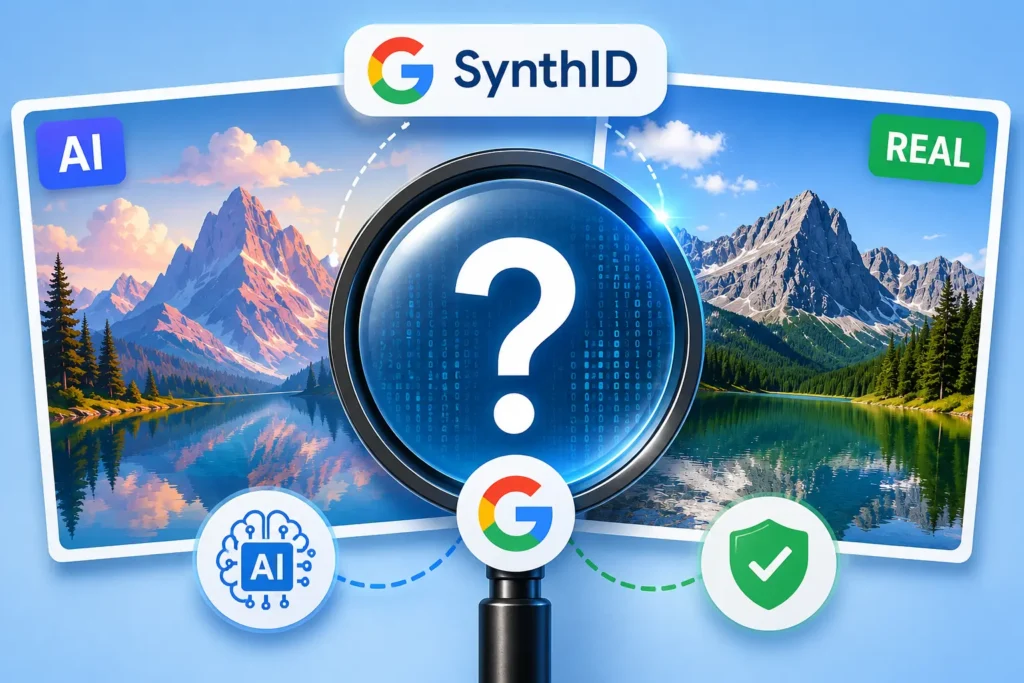
SynthID adds an invisible watermark to content created or edited using Google’s AI systems. It can then help identify whether Google AI was involved.
Apple Reference Image starts with a photograph captured by a camera. SynthID mainly helps identify content created or edited using Google’s AI tools.
They address different parts of the same problem.
Apple Reference Image gives people another way to check what a supported iPhone camera originally captured.
It is useful evidence, but it does not tell the whole story.
A photograph can be genuine and still carry a false caption. An edited photograph can be obvious once compared with its original. A photograph without a Reference Image can still be completely real.
So when you see a photograph online, look beyond the picture itself. Check where it came from, when it was taken and what claim is being made about it.