Google’s SynthID is an invisible watermarking technology designed to help identify content created using AI tools.
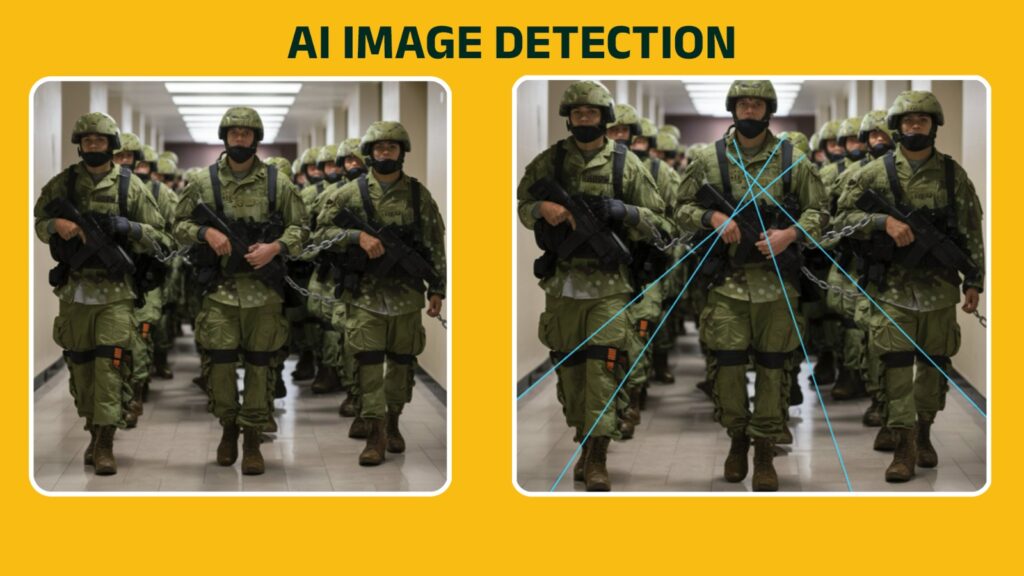
Today, thanks to artificial intelligence or AI, creating realistic-looking photos has become easier than ever. Some AI-generated images are so convincing that even forensic experts can struggle to tell the difference.
A few years ago, AI-generated images often contained obvious mistakes. For example, people had six fingers. Eyes looked unnatural. Text appeared distorted. Background objects made no sense.
Today, with enormous development in technology, AI image generators have improved dramatically. Many AI-created images now look almost identical to real photographs.
The downside of this is that if the image is fake but appears real, it can spread misinformation quickly.
This raises an important question: how can you check whether a photo is AI-generated or real?
One technology designed to help answer that question is Google’s SynthID.
What Is SynthID?
SynthID is a technology developed by Google’s Deepmind to help identify content created using AI tools.
Instead of placing a visible watermark on an image, SynthID adds an invisible digital marker directly into the image.
Think of it like a hidden signature. You cannot see it with your eyes. But specialized tools can detect the marker and determine whether the image was generated using AI generating tools.
Google first introduced SynthID for AI-generated images and later expanded it to other forms of content, including audio, text, and video.
How Does SynthID Work?
Imagine you write your name on a piece of paper using invisible ink.
Anyone looking at the paper would see nothing unusual.
However, someone with a special light could reveal the hidden writing.
SynthID works in a similar way.
When an image is created using AI tools, tiny digital patterns are embedded into the image.
These patterns are designed in such way that even if you edited the image by cropping, resizing, and compression, the invisible watermark will not be removed.
How to Check if an Image Has SynthID
Open the Gemini app, upload the image in the chat, and ask, “Is this image generated using AI?”
Gemini will check the image and tell you whether it contains a SynthID watermark. If it does, it may also tell you which AI tool was used to create or edit the image.
Similarily, you can check this for video, or audio. Simply upload the video or audio clip to your chat, and ask if it’s been created or altered by Google AI. Gemini will check for a SynthID watermark, and let you know if it finds one.
You can read detailed instructions here.
Does It Mean Every AI Image Can Be Detected?
No. SynthID only works when the image was created using AI systems that support SynthID watermarking.
Currently, companies like OpenAI, NVIDIA, Kakao and ElevenLabs along with Google use SynthID to their AI-generated content.
If someone uses a different AI image generator that does not include SynthID, the marker will not exist.
Similarly, older AI-generated images created before watermarking systems were introduced may not contain any detectable marker.
This means that the absence of a SynthID watermark does not automatically prove an image is real.
Don’t Rely Only on Watermarks
Even if watermarking systems become common, they should never be your only method for verification.
A fake image can still spread widely if people share it without checking the context.
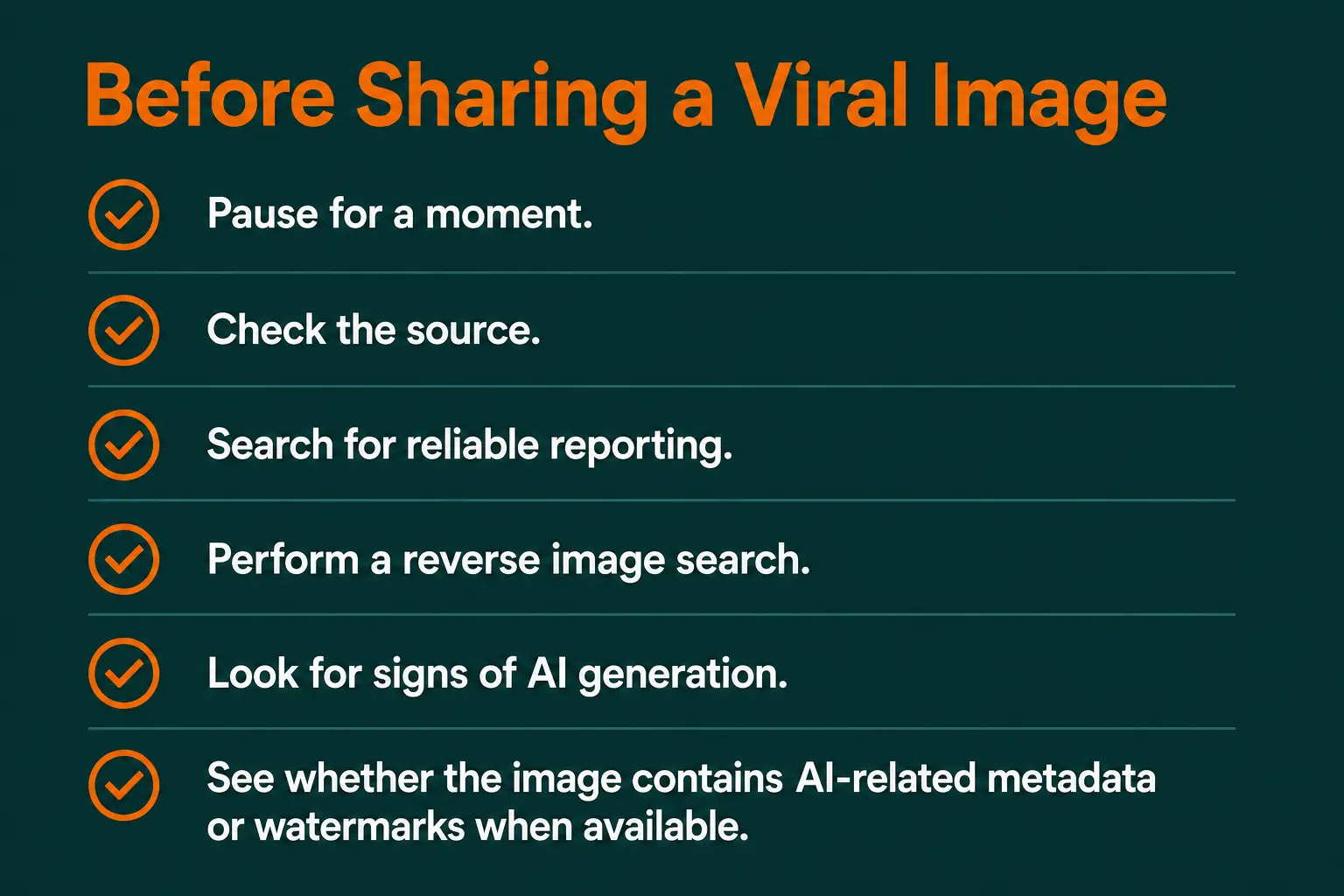
Whenever you see a shocking or emotional image online, ask yourself:
Where did the image come from? Was it posted by a trusted source? Or is it being shared by anonymous social media accounts?
Is the image being reported by credible news organizations? If a major event actually happened, multiple reliable sources are usually reporting it.
Can you find older versions of the image? Sometimes a photo is real but is being shared with a false claim.
A reverse image search can help identify where it originally appeared.
Do details in the image look suspicious? Look carefully at hands and fingers, reflections, shadows, text on signs, background objects, and facial features. AI systems still make mistakes, especially in complex scenes.
Although Google’s SynthID is an important step toward improving transparency in the age of artificial intelligence, it is not a magic detector for every AI image on the internet.
The most reliable approach is still a combination of verification techniques: checking the source, examining the image carefully, searching for independent confirmation, and using available detection tools.
No single tool will be able to detect every fake image.